Discord Emoji Size: Requirements and How to Make One
Discord emoji size is 128x128 px for the image canvas and under 256KB for uploads. Use this guide to crop, trim, and export a custom Discord emoji that stays readable in chat and passes Discord's upload checks.
Make a correctly sized Discord emoji
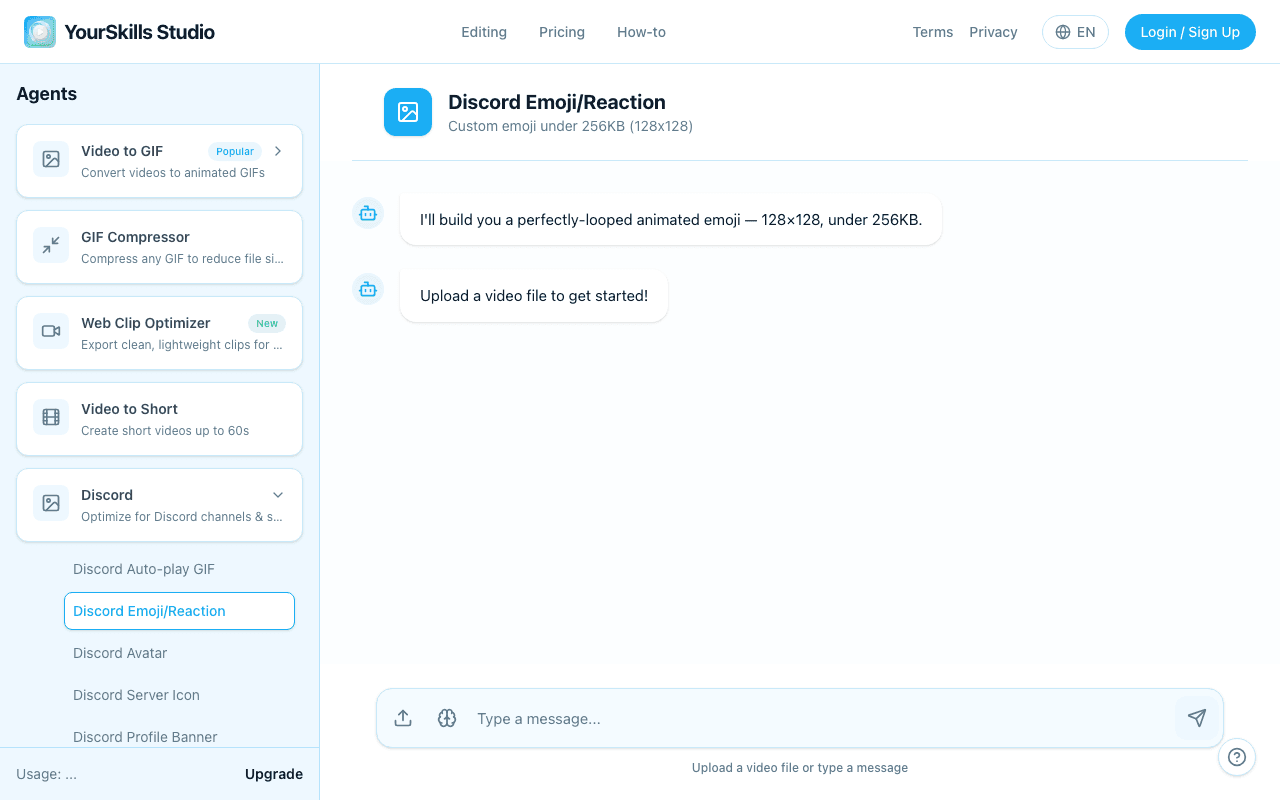
The Discord Emoji Maker targets a 128x128 square GIF under 256KB, with trim, crop, speed, frame-rate, and resolution controls when you need more compression.
Open Discord Emoji MakerDiscord Emoji Size Requirements
Use these specs before you upload a custom emoji to Discord. The square crop matters because Discord displays emojis much smaller than the source file.
| Property | Requirement |
|---|---|
| Image dimensions | 128x128 px |
| Max file size | 256KB |
| Animated format | GIF |
| Static format | PNG or JPG |
| Best clip length | 1-2 seconds |
How to Make a Discord Emoji at the Right Size
Upload a short source clip
Open the Discord Emoji Maker and choose an MP4, MOV, WebM, or GIF. Pick a clip with one clear subject because the final emoji will display very small in Discord chat.
Crop to a readable square
Click Crop area, drag the square over the face, object, or reaction, then use Apply crop. A tight square crop is usually more important than the original video resolution.
Trim and compress under 256KB
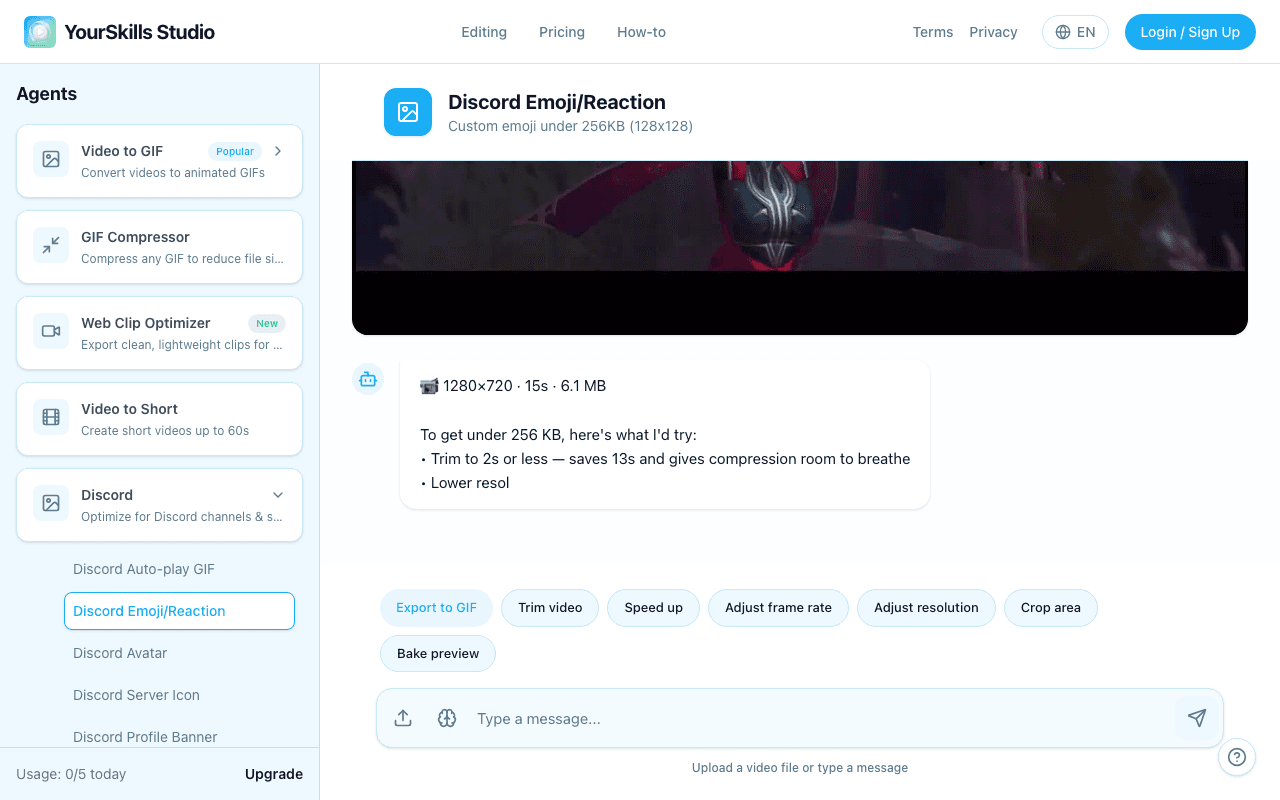
Use Trim video for the best 1-2 second moment. If the GIF is still too large, lower Adjust frame rate, use Speed up, or reduce resolution before exporting.
Export and upload to Discord
Click Export to GIF, download the result, then upload it in Server Settings → Emoji → Upload Emoji. You need permission to manage emojis on that server.
The completed state should show a generated emoji preview that is ready to upload.

Discord emoji GIF
128x128 GIF Result Artifact under 256KB with Download, Retry Generation, Thumbs Up, and Thumbs Down actions
Why a 128x128 emoji can still look blurry
Discord shows emojis at about chat-icon size, so tiny text, wide landscape shots, and low-contrast frames lose detail. Use a close crop, avoid small words, and keep the motion simple.
Discord Emoji Size FAQ
What is the best Discord emoji size?
Use 128x128 pixels. Discord scales the emoji down in chat, so the subject should fill the square instead of sitting inside a wide video frame.
Is 256KB enough for animated Discord emojis?
Yes, but the animation needs to be short. A 1-2 second GIF at a low frame rate is much easier to keep under 256KB than a long video clip.
Should I use PNG or GIF for Discord emojis?
Use PNG or JPG for static emojis. Use GIF for animated emojis made from video, reaction clips, or existing GIFs.
Do animated emojis require Discord Nitro?
Nitro is needed to use custom animated emojis across other servers. Server members can use emojis inside a server when that server supports them and the emoji has been uploaded there.
Related guides
- How to Make a Custom Discord Emoji — full walkthrough for a custom emoji from video
- How to Make an Animated Emoji for Discord — trim and compress a moving emoji
- Discord Sticker Size Guide — sticker specs if you need a larger Discord reaction
Make a 128x128 Discord emoji
Upload your clip, crop the subject, compress under 256KB, and export a GIF ready for Discord.
Open Discord Emoji Maker