How to Make an Animated Emoji for Discord
Learn how to make an animated emoji for Discord from a short video or GIF. You will trim the best moment, crop it to a readable 128x128 square, compress it under 256KB, and upload the GIF to your Discord server.
Create your animated Discord emoji
Start with a video or GIF, then export a Discord-ready animated emoji with crop, trim, speed, frame-rate, and resolution controls.
Open Discord Emoji MakerAnimated Discord Emoji Requirements
Animated Discord emojis are GIF files. The file must be small enough to upload, but the motion still needs to be clear at chat size.
- Dimensions: 128x128 px
- File size: under 256KB
- Format: GIF for animated emoji
- Best duration: 1-2 seconds
- Upload path: Server Settings → Emoji → Upload Emoji
Step-by-Step: Make an Animated Emoji for Discord
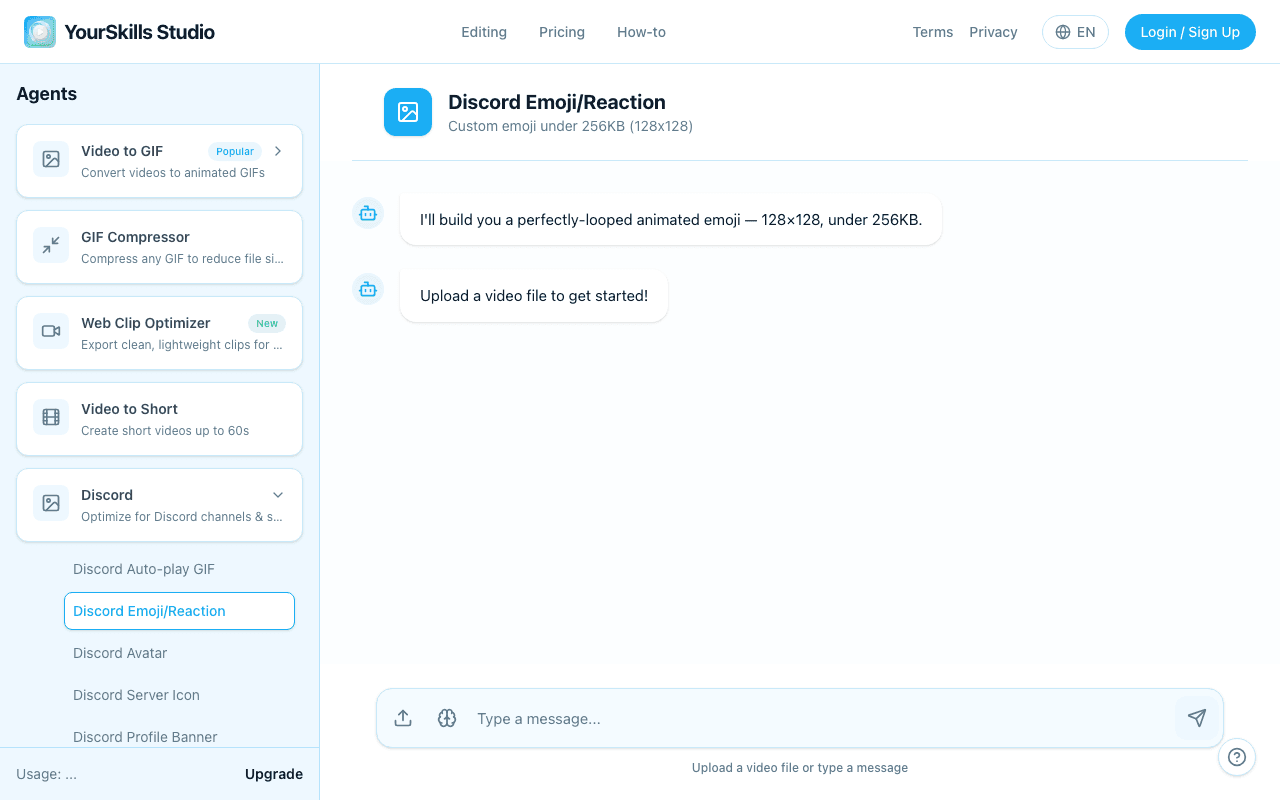
Upload a video or GIF
Open the Discord Emoji Maker and upload the source file. Use a clip with one clear reaction, face, logo, or object because animated emojis are displayed small in Discord chat.
Trim to the best loop
Click Trim video and keep only the action that should repeat. A short loop usually looks better in chat and gives you more room under the 256KB limit.
Crop the subject into a square
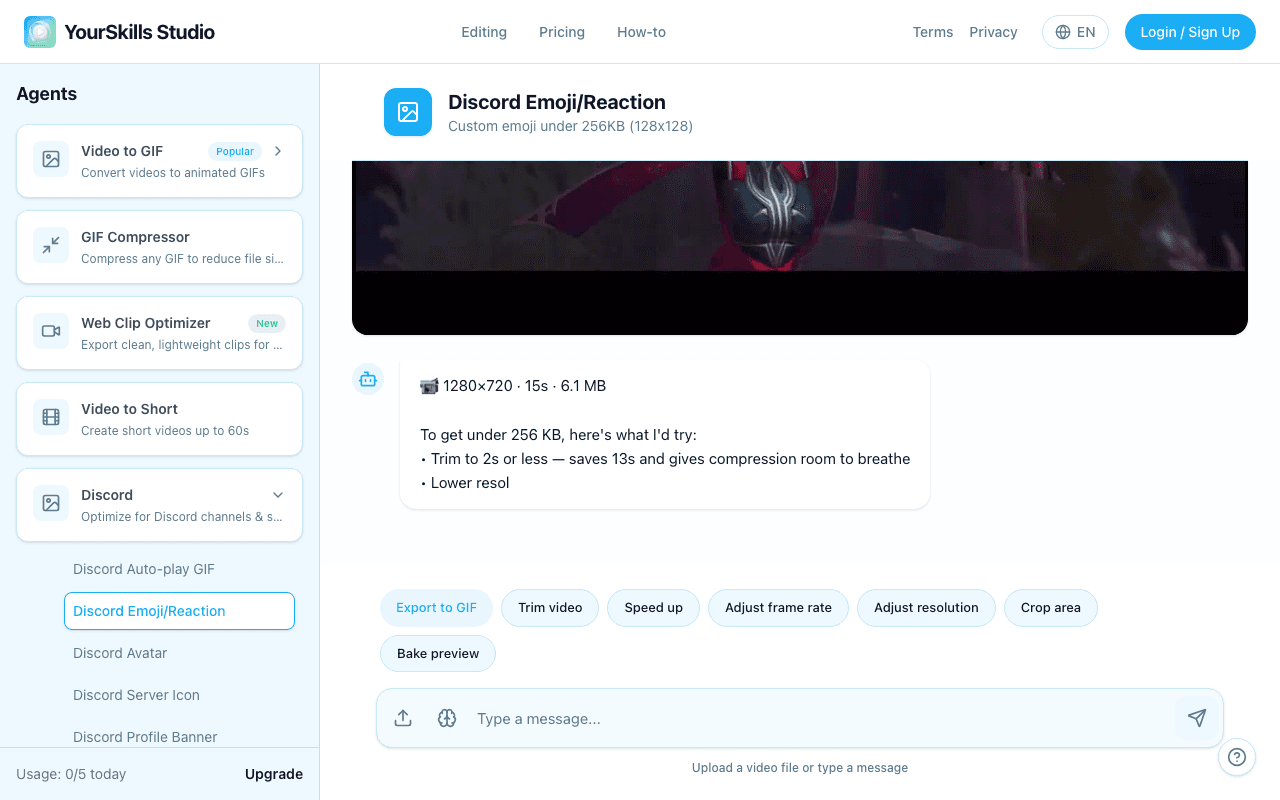
Click Crop area, center the subject, and use Apply crop. If your source is widescreen, cropping prevents the animated emoji from becoming a tiny subject inside a large background.
Compress before export
Use Adjust frame rate if the GIF is too heavy. Use Speed up to shorten slow motion, and use Adjust resolution only when trim and frame rate are not enough.
Upload the GIF to Discord
Click Export to GIF, download the result, then open Server Settings → Emoji → Upload Emoji. Give the emoji a short name so people can type it quickly.
When generation completes, the product shows the animated emoji preview and export actions.
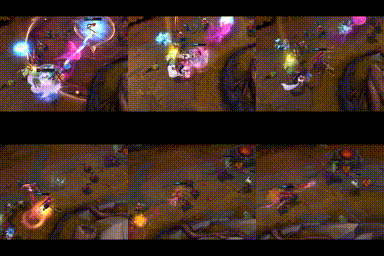
Animated Discord emoji GIF
128x128 GIF Result Artifact under 256KB with Download, Retry Generation, Thumbs Up, and Thumbs Down actions
If the animated emoji is over 256KB
- Trim the loop shorter first.
- Lower the frame rate with Adjust frame rate.
- Crop tighter so fewer pixels change each frame.
- Lower resolution only if the file is still too large.
Animated Discord Emoji FAQ
Can I make an animated emoji for Discord from a video?
Yes. Upload the video, trim the reaction, crop it square, export a GIF, and add it in Discord Server Settings under Emoji.
What is the best length for an animated Discord emoji?
Use 1-2 seconds. Short loops are easier to understand in chat and easier to keep under the 256KB upload limit.
Can animated Discord emojis have transparent backgrounds?
GIF transparency is limited and often looks rough. For animated emojis, a simple high-contrast background is usually more reliable.
Do I need Nitro for animated emojis?
Nitro is needed to use animated custom emojis across other servers. Uploading to a server depends on your server permissions and Discord's current emoji support for that server.
Related guides
- Discord Emoji Size Guide — exact dimensions and file size limits
- How to Make a Custom Discord Emoji — full custom emoji walkthrough
- Discord Sticker Size Guide — use stickers when the reaction needs to be larger
Make your animated Discord emoji
Upload your source, crop it square, compress under 256KB, and export a GIF for Discord.
Open Discord Emoji Maker