Discord Sticker Size Requirements
Getting the size wrong is the #1 reason Discord sticker uploads fail. Here are the exact specs and the fastest way to make a sticker that passes first time.
Make a Discord sticker now
Our free Discord Sticker Maker handles the 320×320 resize and 512KB compression automatically. No guessing, no failed uploads.
Go to Discord Sticker MakerDiscord Sticker Size Requirements at a Glance
| Property | Requirement |
|---|---|
| Dimensions | 320 × 320 px |
| Max file size | 512 KB |
| Formats | APNG (animated), GIF (animated), PNG (static) |
| Server requirement | Boosted server (Level 1+) or Nitro subscription for custom stickers |
APNG vs GIF — Which Format to Use?
Discord supports both APNG and GIF for animated stickers. APNG is the better choice when possible:
- APNG: Full alpha transparency, smoother animation, smaller file size at the same quality. Use for stickers with a transparent background.
- GIF: Wider source compatibility. Good when your source clip is already a GIF. No transparency support (white background instead).
Our Discord Sticker Maker automatically picks APNG when the source supports it.
Step-by-Step: Make an Animated Discord Sticker
Pick a short clip
Stickers display larger than emojis (160×160 px in chat), so more detail is visible. Pick a 2–4 second loop — a character reaction, a bouncing object, or a looping animation.
Open the Sticker Maker
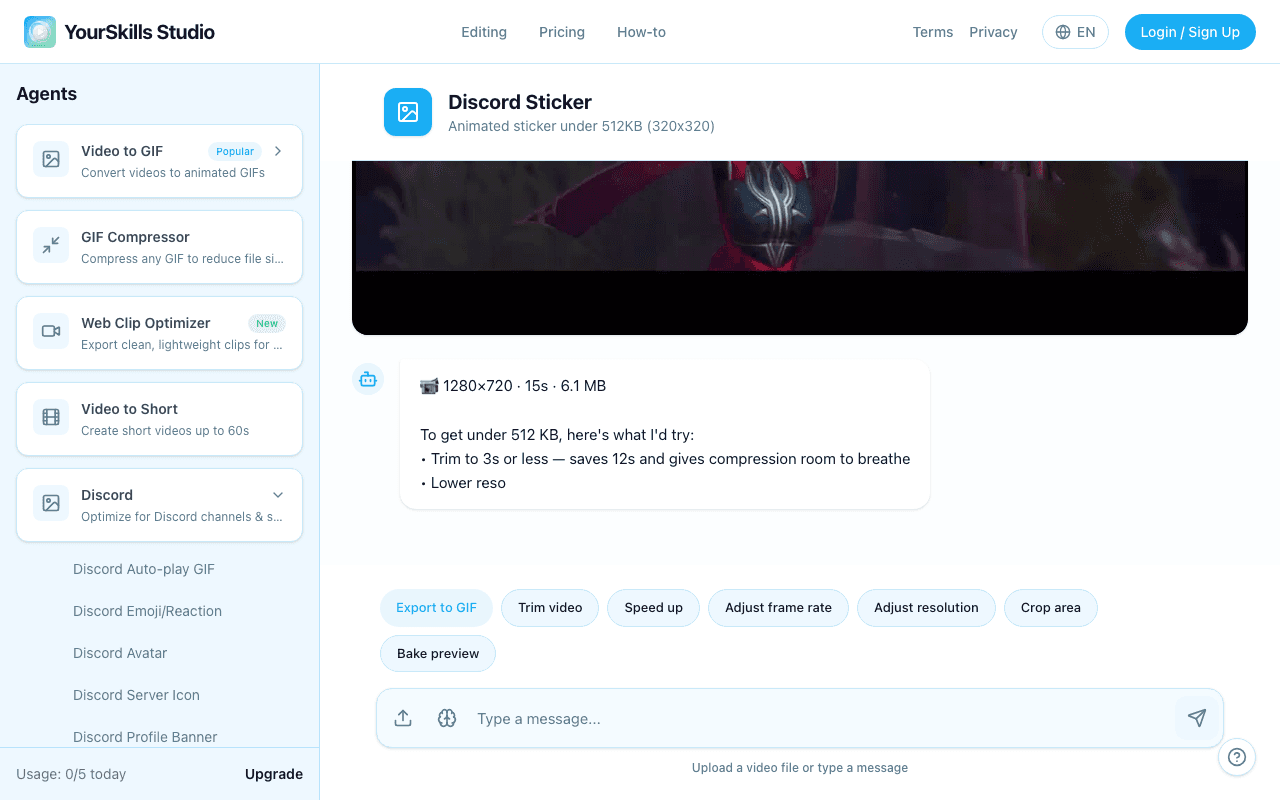
Head to Discord Sticker Maker and upload your video or GIF. ClipShift resizes to 320×320 and targets under 512KB automatically.
Download and upload
Download the APNG or GIF. In Discord go to Server Settings → Stickers → Upload Sticker, add a name and a related emoji hint, then save.
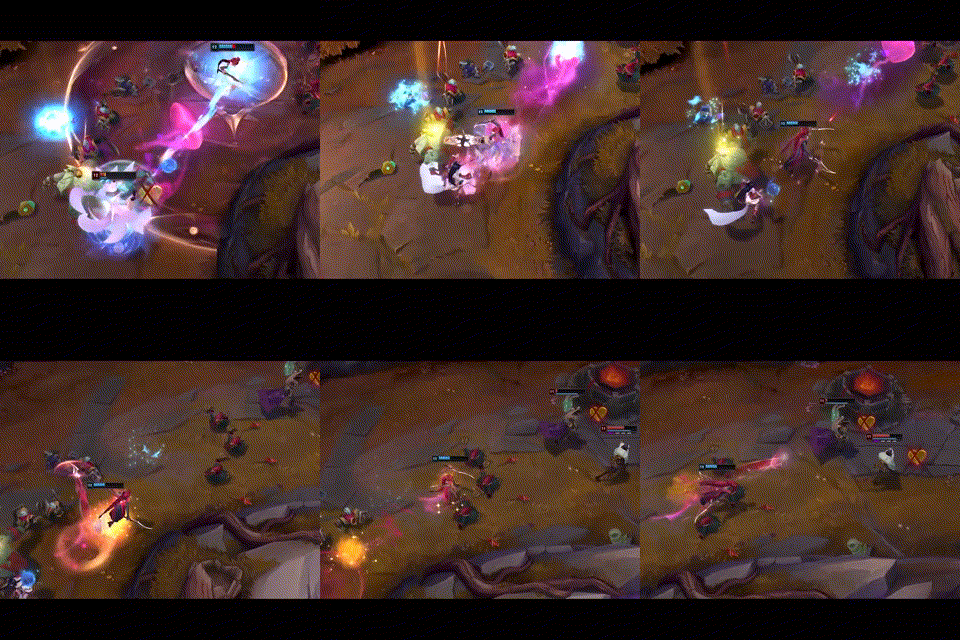
After export, the product presents the generated sticker preview with the standard result actions.
Animated Discord sticker
320×320 APNG or GIF Result Artifact under 512KB with Download, Retry Generation, Thumbs Up, and Thumbs Down actions
Why does my sticker keep getting rejected?
- Over 512KB: The most common issue. Shorten the clip or lower the FPS to reduce file size.
- Wrong dimensions: Discord requires exactly 320×320. Any other aspect ratio will be rejected.
- Wrong format: Discord does not accept MP4 or WebM for stickers. Use APNG or GIF only.
- Server not boosted: Custom stickers require a Level 1 boosted server, or a Nitro subscription for personal stickers.
Discord Sticker Size FAQ
What size should Discord stickers be?
Use a 320×320 px square. Discord displays stickers smaller in chat, but the upload file should still use the full 320×320 canvas.
What file size limit do Discord stickers use?
Keep the file under 512KB. Animated stickers usually need a short loop, tight crop, and lower frame rate to fit.
Should I export APNG or GIF for stickers?
Use APNG when you need transparency. Use GIF when your source is already a GIF or when wider compatibility matters more than transparency.
Related guides
- How to Make a Custom Discord Emoji — 128×128, under 256KB
- Discord Emoji Size Guide — exact emoji dimensions and file size limits
- How to Make an Animated Emoji for Discord — video-to-emoji steps for Discord
- Discord Animated Avatar — Circular crop, under 10MB
- All Discord Formats